A clear place to ask
Create ticket panels that guide members into the right private support channel.
Give every request a private space, a clear owner, and a conversation your team can follow through.
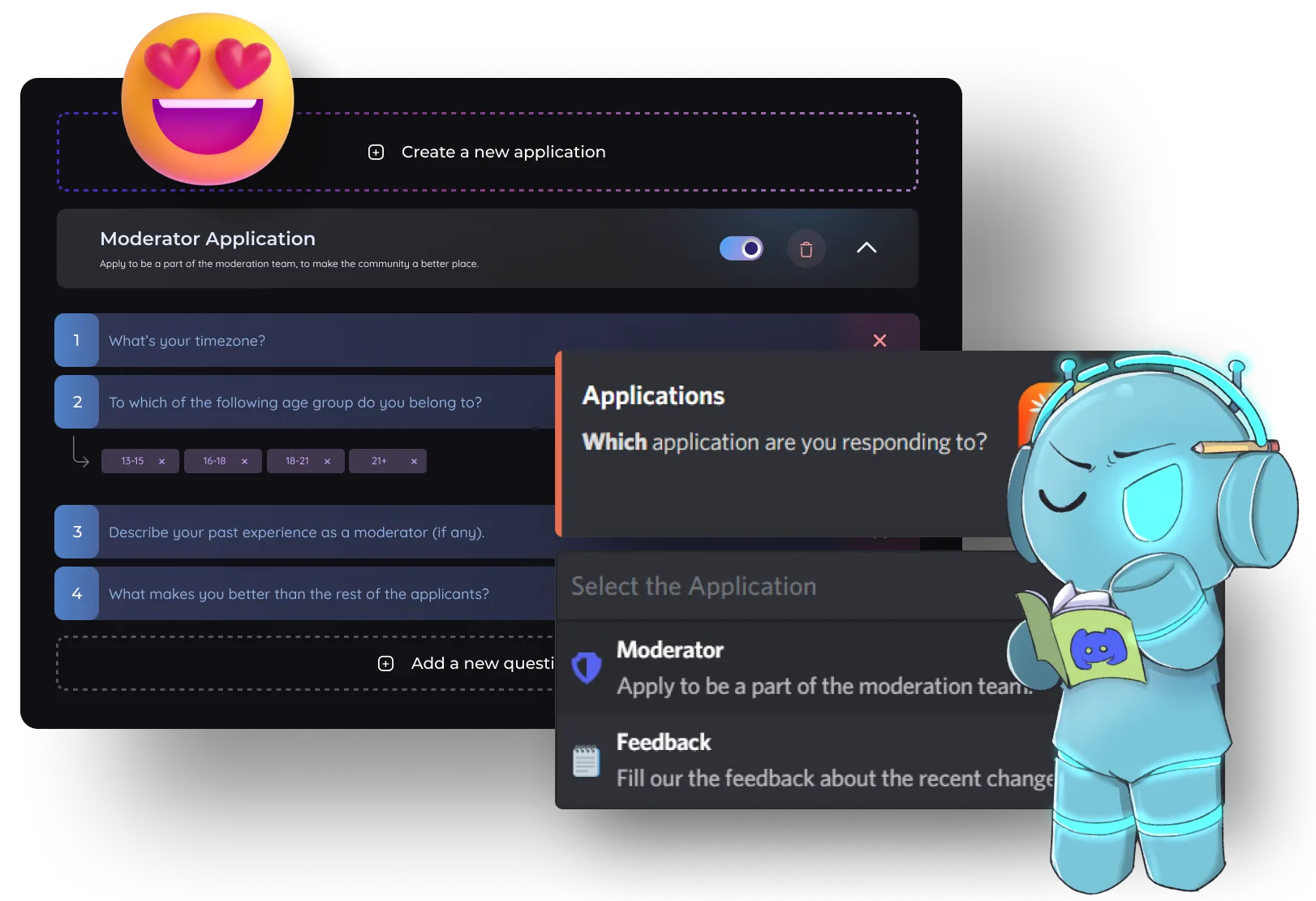
Create ticket panels that guide members into the right private support channel.
Let staff claim tickets or assign them to the right teammate.
Add or remove members, rename channels, and move tickets as the conversation develops.
Save a transcript so your team can refer back to a completed support request.
| Feature | Other Bots (Free) | Discortics (Public) | Discortics (Prime) | Discortics (Custom) |
|---|---|---|---|---|
| Ticket panels | 1 | 5 | 10 | 25 |
| Options per panel | 1 | 5 | 10 | 25 |
| Transcripts | Premium only | Included | Included | Included |
| Claim / assign / rename / move | Partial | Included | Included | Included |
| Ping & manager roles per panel | 1 | 3 | 7 | 15 |
Use these commands in Discord, or manage compatible settings from the Discortics dashboard.
Discord Tickets/ticket settings/ticket add/ticket remove/ticket claim/ticket unclaim/ticket assign/ticket rename/ticket move/ticket close/ticket open/ticket transcriptA Discord ticket bot creates private support channels so members and staff can resolve requests without exposing them publicly.
Yes. Discortics supports claiming, unclaiming, and assigning current tickets.
Yes. The transcript command creates a transcript for the current ticket channel.