Up to 7 forms
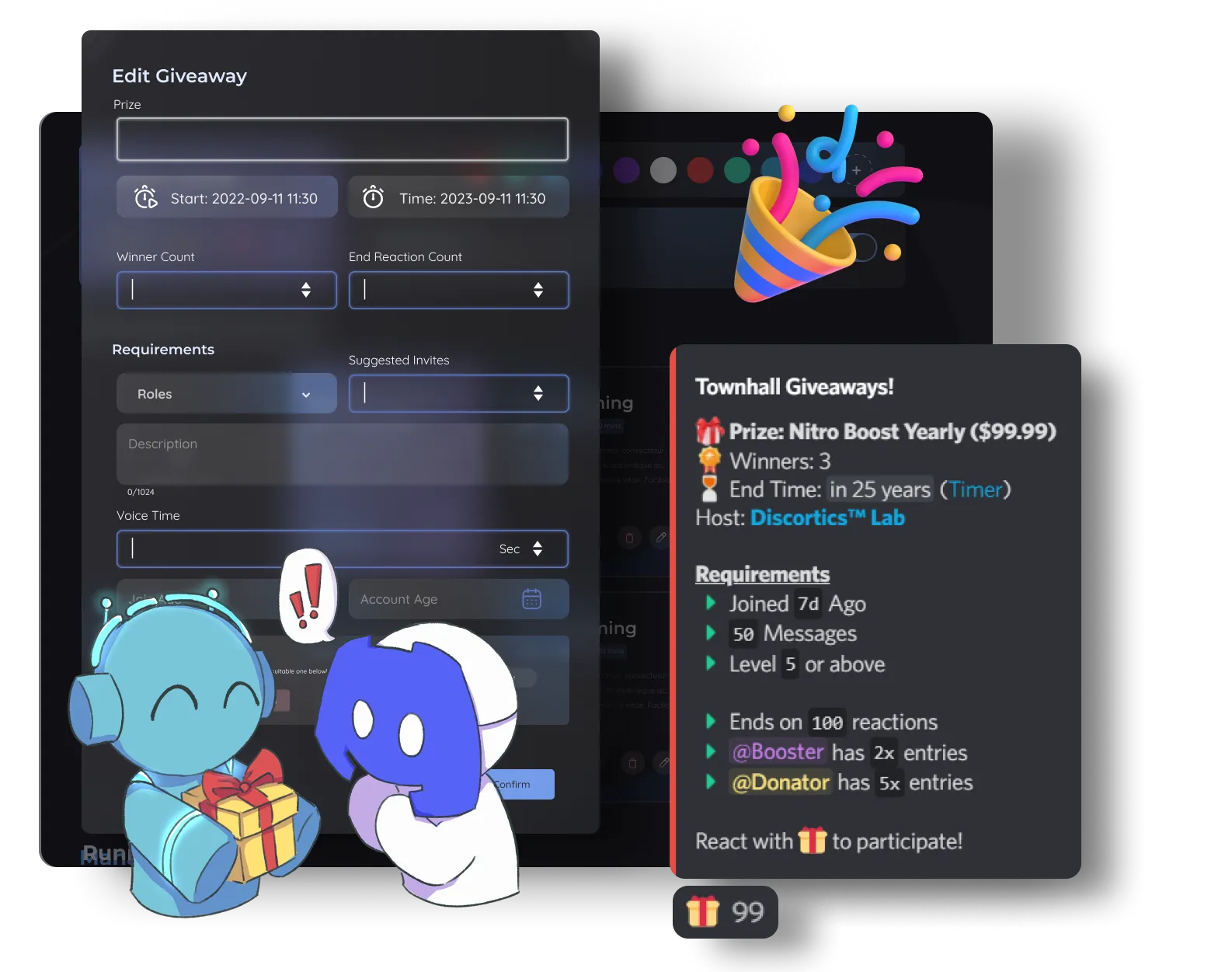
Run up to 7 separate forms for staff, events, partnerships, feedback, and more.
Easily collect, manage, and process user applications with infinite responses and flexible multi-format forms fully tailored to your specific community needs.
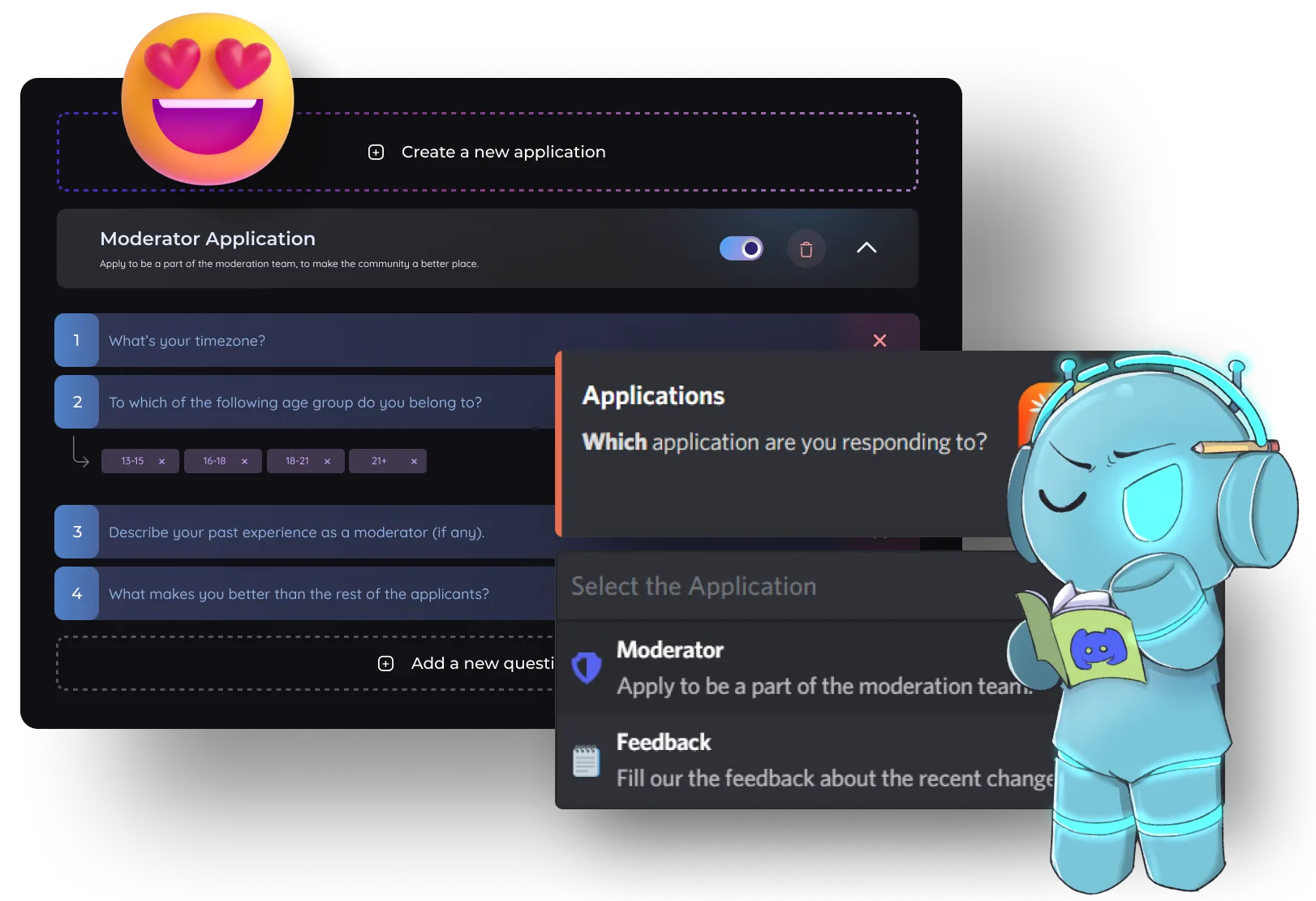
Run up to 7 separate forms for staff, events, partnerships, feedback, and more.
Collect text, multiple-choice, and up to 10 file-upload answers.
Limit individual forms by up to 10 member roles or server channels.
Review, accept, deny, and clear responses from Discord.
| Feature | Other Bots (Free) | Discortics (Public) | Discortics (Prime) | Discortics (Custom) |
|---|---|---|---|---|
| Application forms | 2 | 7 | 15 | 100 |
| Questions per application | 10 | 20 | 50 | 100 |
| File upload questions | Not included | Included | Included | Included |
| Largest file per upload | - | 2 MB | 10 MB | 50 MB |
| Files per response | - | 25 | 50 | 100 |
| Multiple Choice Questions (MCQ) | Not included | Included | Included | Included |
| Application role actions | 1 per type | 5 per type | 10 per type | 20 per type |
| Custom completion messages | Not included | Included | Included | Included |
| In-Discord submission review | Not included | Included | Included | Included |
Use these commands in Discord, or manage compatible settings from the Discortics dashboard.
Discord Applications/application apply/application review/application accept/application accept (omit user)/application deny/application deny (omit user)/application settings/application deleteMembers choose an application form and complete the response flow in their Discord DMs.
Yes. File questions collect up to 10 files each through Discord’s native file picker, with image, video, PDF, or any-file filters - up to 50 MB per file on Custom bots.
Yes. Staff can review collected responses before accepting or denying them.
Yes. Application controls include a way to clear collected responses when a new application attempt is needed.